
Beauty Camera Plus APK
Vision App Info.
Screenshots




App details
- Version
- 1.1
- Size
- 21.11 MB
- Updated
- May 24, 2023
- Requires
- Android 9.0
- Language
- English
- License
- Free
- Developer
- Vision App Info.
- Category
- Android OS
SoftPas in:
This product is also available in the following languages:
About Beauty Camera Plus APK
Download Beauty Camera Plus – beauty camera, photo editor, selfie enhancement, skin smoothing, face retouching, Android app, free photo editing tool, photo filter, color correction, image editing, mobile photography, camera app
Overview
Beauty Camera Plus is a free Android application designed to enhance and edit digital photographs with ease. Developed by Vision App Info, the software aims to simplify the process of improving image quality, particularly for selfies and casual photography. It enables users to apply real-time adjustments such as color correction, skin smoothing, and face retouching, helping photos appear more polished and visually appealing. The app is ideal for individuals seeking quick and intuitive tools to elevate their mobile photography experience without requiring advanced editing skills.
Target users include casual photographers, social media enthusiasts, and anyone who frequently shares images online and wants to present their photos in the best possible light. Common usage scenarios include enhancing selfies before posting on social platforms, adjusting photo colors for a more vibrant look, and refining facial features for a natural yet improved appearance. The app’s straightforward workflow allows users to take a photo or select one from their device, apply edits, and save or share the result—all within a few taps.
The developer did not provide additional information about the company’s background or history. As a free tool, Beauty Camera Plus is accessible to a broad audience, particularly those who prioritize convenience and simplicity in photo editing. It fits well into the growing trend of mobile-first image enhancement, where users expect powerful tools without complex interfaces or steep learning curves.
Key Features & Capabilities
- Selfie Enhancement – Apply intelligent adjustments to facial features, making selfies appear more refined and visually balanced.
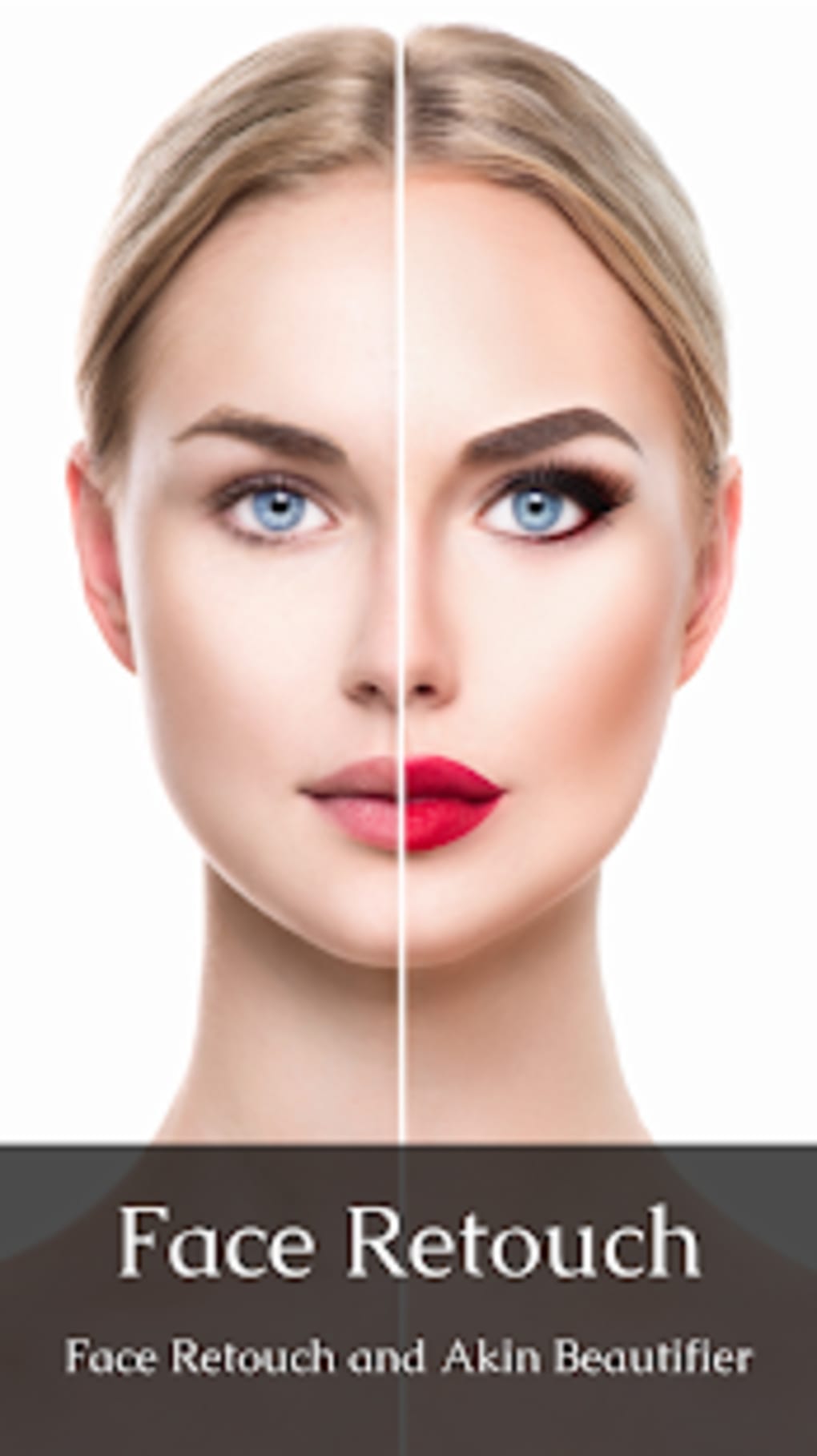
- Face Retouching Tools – Smooth skin texture and reduce blemishes for a clearer, more even complexion.
- Color Correction – Adjust hue, brightness, and saturation to improve the overall tone and vibrancy of images.
- Photo Filters – Choose from a range of preset filters to instantly transform the mood and style of your photos.
- Simple Editing Workflow – Take a photo or select one from your device, apply edits, and save or share—no extra steps required.
These features are designed to support quick, on-the-go editing. For example, users can capture a selfie, apply skin smoothing and color correction, and share the result on Instagram or WhatsApp within seconds. The app also supports post-capture editing, allowing users to enhance photos taken with other cameras. The combination of automated enhancements and manual controls provides flexibility for both beginners and intermediate users who want to improve their images without needing professional software.
User Interface, Workflow & Performance
The user interface of Beauty Camera Plus is built around simplicity and accessibility. The layout emphasizes intuitive navigation, with key editing tools placed prominently on the screen for immediate access. Users can switch between capturing a new photo and selecting an existing one with minimal effort, ensuring a smooth transition between steps.
Editing workflows are streamlined to reduce friction. After selecting an image, users are presented with a set of adjustable sliders and preset options for skin smoothing, color correction, and filters. The interface does not appear cluttered, and the visual feedback during editing is immediate, allowing users to see changes in real time. This responsive behavior contributes to a satisfying user experience, particularly for those who prefer instant results.
Performance observations are based on general software behavior patterns. The app runs on Android and is optimized for mobile devices, though specific resource usage details such as CPU or RAM consumption were not provided. The developer did not specify performance benchmarks or stability metrics. Users should expect typical behavior for a lightweight photo editing tool, but actual performance may vary depending on device hardware and system conditions.
Compatibility & System Requirements
Beauty Camera Plus is designed for Android devices and is available in version 1.0.0. The application has a file size of 45 MB, indicating it is a lightweight download suitable for devices with limited storage. It is compatible with a wide range of Android smartphones and tablets, though the exact minimum OS version or hardware specifications were not listed by the developer.
Compatibility information was partially provided. The developer did not specify the required Android version, minimum RAM, or processor requirements. Users are advised to ensure their device supports the latest Android updates to avoid potential installation or functionality issues. The app’s small size suggests it is optimized for performance on mid-range and entry-level Android devices.
Pros and Cons
Pros
- Free to download and use with no in-app purchase prompts.
- Simple, intuitive interface suitable for beginners and casual users.
- Offers essential photo editing tools like skin smoothing and color correction.
- Quick workflow from photo capture to sharing.
- Lightweight design with a small file size of 45 MB.
Cons
- Exact system requirements were not specified.
- Limited customization options compared to professional photo editing software.
- No information on update frequency or long-term support.
- Performance details such as CPU or RAM usage were not provided.
- Developer background and company history are not publicly available.
FAQ Section
Is Beauty Camera Plus available for iOS devices?
Beauty Camera Plus is currently designed for Android only. There is no official version available for iOS at this time.
Is the app safe to download and use?
Beauty Camera Plus is a free Android application developed by Vision App Info. While no security vulnerabilities were reported in the provided information, users should download the app from trusted sources to minimize risks.
Does the app require an internet connection?
Basic editing features can be used offline. However, certain functions such as cloud sharing or filter updates may require an internet connection.
How often is the app updated?
The developer did not provide information about update frequency or release schedule. Users should check the app store for the latest version.
Can I use Beauty Camera Plus without creating an account?
Yes, the app does not require registration or account creation. All editing and saving functions are available immediately upon installation.
Final Thoughts
Beauty Camera Plus delivers a straightforward and accessible solution for users looking to enhance their photos with minimal effort. Its focus on core features like skin smoothing, color correction, and filter application makes it a practical choice for casual photographers and social media users. The app’s lightweight design and free pricing model further enhance its appeal.
While it lacks advanced editing tools and detailed technical information, it excels in simplicity and ease of use. The absence of complex settings ensures that users can achieve results quickly, making it ideal for those who want to improve their images without investing time in learning complex software.
For individuals seeking a reliable, no-frills photo editing tool on Android, Beauty Camera Plus offers a solid entry point. It is particularly suited for those who prioritize speed, convenience, and visual enhancement over professional-grade control.
Download Beauty Camera Plus now
Guides & Tutorials
How to install Beauty Camera Plus APK
- Click the Download button above.
- Once redirected, accept the terms and click Install.
- Wait for the Beauty Camera Plus APK download to finish on your device.
How to use Beauty Camera Plus APK
This software is primarily used for its core features described above. Open the app after installation to explore its capabilities.
User Reviews
No reviews yet. Be the first to share your experience.
You may also like
more
ChatGPT APK
Effortlessly generate content with AI ChatGPT is a free artificial intelligence...

Digi
Realistic AI entertainment app Digi - AI Romance, Reimagined is a free AI chatbo...

Gemini
Google’s newest and most powerful AI Gemini is a sophisticated AI model from Goo...

kimi chat APK
Your go-to AI assistant for seamless information processing kimi chat is an AI -...

MateAI AI Chat Bot Assistant APK
An AI-powered chatbot fit for any task MateAI-AI Chat Bot Assistant is a free-to...

Microsoft Copilot APK
Revolutionize your workflow Unleash a new era of productivity with Microsoft Cop...